
A business entity defines your business's identity to your customers. It controls the company name, address, contact details, and tax information that appear on every invoice you send. Setting up your business entity correctly ensures your invoices look professional and comply with local tax regulations.
Why Do You Need a Business Entity?
Before you can start generating invoices, you need at least one business entity configured. Your business entity is the foundation of your billing setup — without it, the system doesn't know what company details to display on invoices or how to handle tax calculations.
Key Benefits
- Professional invoices — Your company name, address, and contact details are displayed consistently on every invoice, reinforcing your brand identity.
- Tax compliance — Set up your VAT number, registration number, and tax address to ensure invoices meet local tax requirements.
- Global flexibility — Use different addresses for invoice display and tax calculations if your business operates across multiple regions.
- Scalability — As your business grows, you can configure your entity to support multiple countries and regions through subscriber location countries.
What Makes Up a Business Entity?
A business entity consists of several key components:
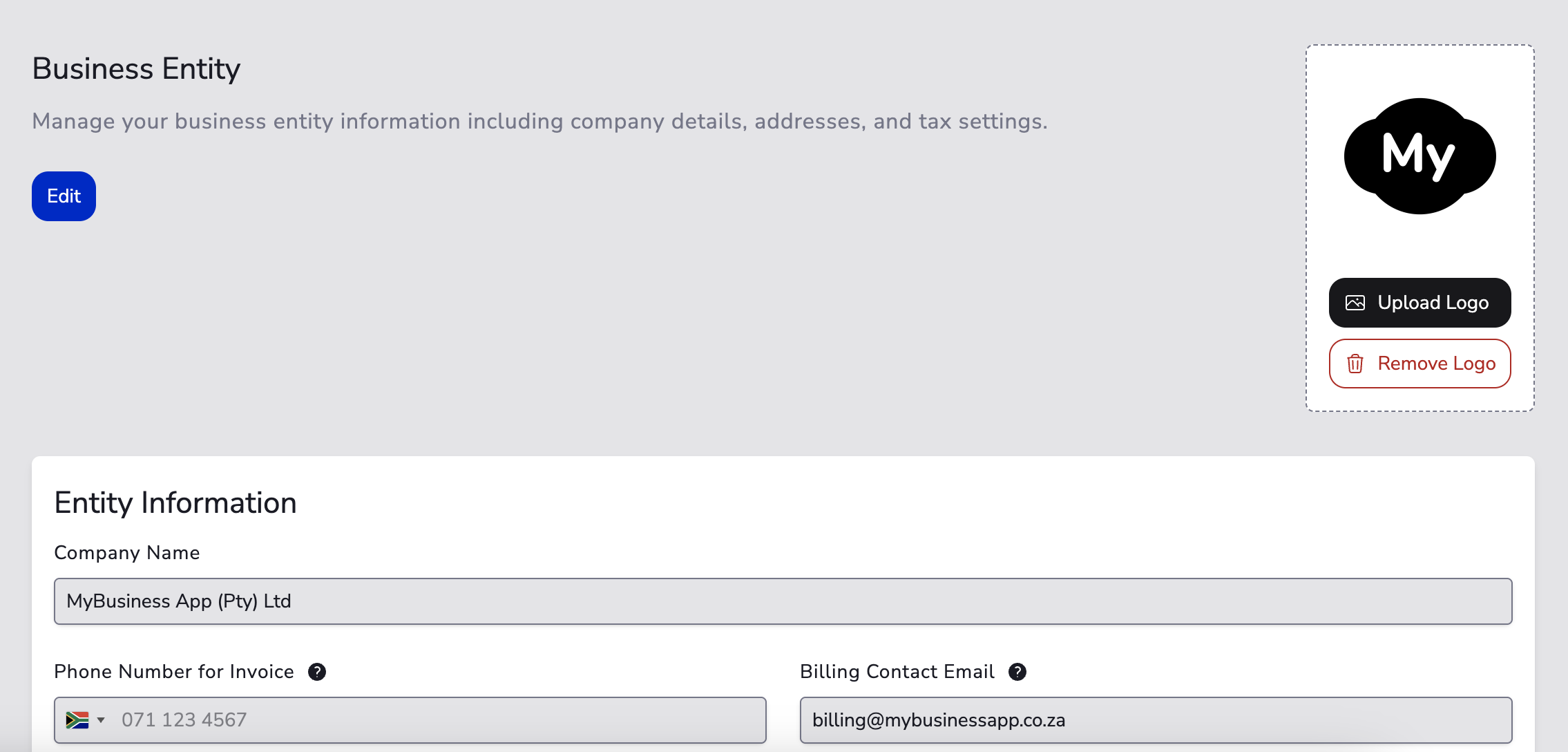
Entity Information
The basic details about your company, including:
- Company Name — The legal or trading name of your business that appears on invoices.
- Phone Number for Invoice — A contact number (often a customer support number) displayed on invoices.
- Billing Contact Email — The email address shown on invoices and used as the reply-to address for all transaction-related communication.
Entity Address
The address displayed on your invoices. This address is also used for tax calculations by default. If your tax registration address is different from your business address, you can set a separate tax address specifically for tax calculations.
The country you select will also determine which payment gateways are available to your business.
Tax ID for Invoice Display
Your tax identifiers that appear on invoices:
- VAT Number — Your VAT registration number.
- Registration Number — Your company registration number.
These fields are optional but recommended for businesses that are required to display tax information on invoices.
Invoicing Mode
Controls how invoices are generated for the entity:
- Internal Invoicing — Automatically generate invoices using the built-in billing system with full customisation and email delivery.
- External Accounting — Sync invoices to external accounting software (Coming Soon).
- No Invoicing — Disable automatic invoicing and handle it manually.
When internal or external invoicing is enabled, you can further configure:
- Whether invoices are auto-generated when subscriptions renew or services are completed.
- Whether invoices are delivered via email to customers.
- CC and BCC recipients for invoice emails.
- Invoice and credit note number prefixes (e.g.,
INV-,CN-) and the starting sequence number.
Subscriber Location Countries
The list of countries for which the business entity will be used. This determines which customers are associated with your entity based on their location.